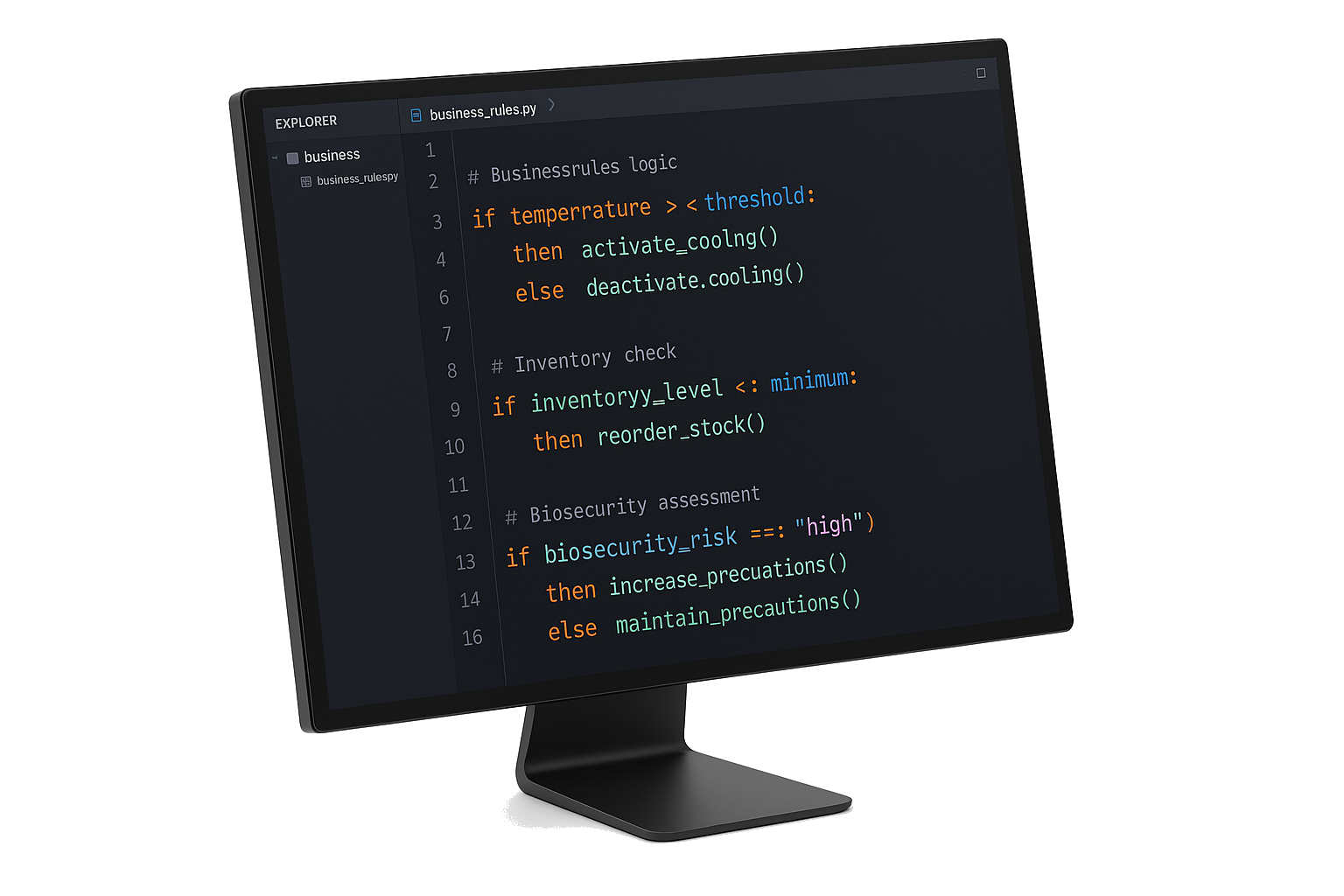
Business Rule Engine
Take Control of Your Business Logic
PoultrySync’s Business Rule Engine empowers you to define and modify your operational rules independently, without waiting for vendor support or costly customization projects. Configure automation workflows, decision logic, and business processes that perfectly match your unique requirements.
What Can You Customize?
Why Self-Service Rule Configuration Matters
Traditional software forces you to wait for vendor support every time you need to adjust business logic. PoultrySync’s Business Rule Engine breaks this dependency:
- True Independence: Modify rules on your schedule, not ours
- Zero Wait Time: Deploy changes immediately without support tickets
- No Hidden Costs: Avoid expensive customization projects for simple logic changes
- Your Expertise: You understand your business best—configure it your way
- Rapid Iteration: Test, refine, and optimize rules as often as needed
- Complete Control: Full ownership of your business logic and processes
Farm Operations
- Automatic Placement Scheduling: Coordinate chick deliveries based on house availability
- Feed Ordering: Trigger orders when inventory drops below thresholds
- Alert Escalation: Route alerts to appropriate team members based on severity
- Quality Checks: Enforce data entry requirements and validations
Business Processes
- Approval Workflows: Multi-step approvals for purchases, contracts, etc.
- Document Generation: Auto-create reports, invoices, certificates
- Data Synchronization: Keep external systems in sync
- Notification Routing: Send alerts via email, SMS, Slack, etc.
Decision Automation
- Harvest Timing: Calculate optimal harvest dates based on weight predictions
- Resource Allocation: Assign field staff based on farm priorities
- Pricing Decisions: Adjust pricing based on market conditions
- Compliance Checks: Verify regulatory requirements automatically
Flexible Rule Configuration System
Core Rule Components
Triggers - Define when rules execute
- Time-based schedules (daily, weekly, specific times)
- Event-based activation (data changes, threshold breaches)
- External triggers (webhooks, API calls)
- Manual execution points
Conditions - Configure decision logic
- Complex If/Then/Else scenarios
- Multi-criteria evaluation (AND/OR logic)
- Dynamic data comparisons
- Threshold monitoring
- Custom business logic
Actions - Specify automated responses
- Data manipulation (create/update records)
- Notification routing (email, SMS, in-app)
- External system integration (APIs, webhooks)
- Document generation
- Task assignment and escalation
Data Operations - Transform and process information
- Mathematical calculations and formulas
- Text formatting and date manipulation
- Data aggregation and summarization
- List filtering and sorting
- Cross-reference lookups
Integration Points - Connect to your ecosystem
- Email systems (Gmail, Outlook, SMTP)
- SMS providers (Twilio, MessageBird)
- Collaboration tools (Slack, Microsoft Teams)
- Cloud storage (Dropbox, Google Drive, SharePoint)
- Custom APIs and webhooks
Rule Configuration Examples
1. Automated Feed Ordering
Trigger: Daily at 6:00 AM

For Each: Active Flock
  ↓
Get: Current feed inventory for flock's feed type
  ↓
Calculate: Days of feed remaining
  ↓
If: Days remaining < 3
  ↓
  Calculate: Feed needed until harvest
  ↓
  Create: Feed order
  ↓
  Send: Email to feed mill
  ↓
  Notify: Farm manager via SMS
Business Value:
- Never run out of feed
- Reduce emergency deliveries
- Optimize delivery schedules
- Save 2 hours/week of manual ordering
- Configure and adjust thresholds independently
2. Health Issue Escalation
Trigger: Mortality data entered

If: Daily mortality > 0.5%
  ↓
  Calculate: % increase from previous day
  ↓
  If: Increase > 50%
    ↓
    Create: High-priority alert
    ↓
    Notify: Veterinarian (SMS)
    AND
    Notify: Farm manager (mobile app)
    AND
    Create: Task "Emergency vet visit"
    AND
    Log: Issue in health tracking system
  Else:
    ↓
    Create: Standard alert
    ↓
    Notify: Farm supervisor
    AND
    Create: Task "Monitor flock closely"
Business Value:
- Faster response to health issues
- Prevent disease spread
- Reduce mortality losses
- Ensure proper escalation
- Customize escalation criteria to your protocols
3. Harvest Planning Automation
Trigger: Daily at 5:00 PM

For Each: Flock where Age > 28 days
  ↓
Get: Latest weight data
  ↓
Calculate: Predicted harvest weight in 2, 3, 4 days
  ↓
Get: Contract specifications
  ↓
Calculate: Optimal harvest date (best weight vs. contract)
  ↓
If: Optimal date is within 7 days
    ↓
    If: Harvest date not yet scheduled
      ↓
      Create: Suggested harvest schedule
      ↓
      Notify: Operations manager for approval
      ↓
      If: Approved
        ↓
        Create: Harvest event
        ↓
        Notify: Catching team
        AND
        Notify: Processing plant
        AND
        Notify: Transport coordinator
        AND
        Update: Farm schedule
Business Value:
- Optimize harvest timing
- Maximize contract compliance
- Reduce coordination effort
- Improve planning visibility
- Adjust planning logic to your specific contracts
4. Compliance Audit Preparation
Trigger: Certification audit scheduled (30 days before)

Create: Audit preparation checklist
  ↓
For Each: Compliance requirement
  ↓
  Check: Required documents available?
  ↓
  If: Document missing
    ↓
    Create: Task "Prepare [document]"
    ↓
    Assign: Responsible party
    ↓
    Set: Due date (7 days before audit)
  ↓
  Check: Training records current?
  ↓
  If: Training expired or expiring soon
    ↓
    Create: Task "Schedule refresher training"
    ↓
    Assign: HR manager
  ↓
Generate: Pre-audit report
  ↓
Email: Audit team with summary
  ↓
Calendar: Weekly check-in meetings
Business Value:
- Never surprised by audits
- Ensure 100% compliance
- Reduce last-minute scrambling
- Professional audit experience
- Tailor audit prep rules to your certifications
Advanced Capabilities
Loops & Iterations
Configure rules to process multiple items automatically:
For Each: Farm in organization
  For Each: Flock in farm
    If: Flock age > 35
      Calculate: Performance score
      If: Score < target
        Create: Improvement plan
Customize iteration logic and performance thresholds independently
Error Handling
Define fallback strategies for failed operations:
Try:
  Send email
Catch:
  Log error
  Send SMS instead
  Notify admin
Configure your own error handling and recovery procedures
Parallel Execution
Execute multiple actions simultaneously:
In Parallel:
  → Send email to manager
  → Send SMS to supervisor
  → Create task
  → Log to database
Optimize execution based on your operational needs
Modular Rule Design
Create reusable rule modules:
Main Rule:
  Validate data
  ↓
  Execute: "Place Feed Order" rule module
  ↓
  Execute: "Notify Stakeholders" rule module
  ↓
  Update dashboard
Build and maintain your own rule library
Variables & State Management
Store and manipulate operational data:
Set: totalCost = 0
For Each: Flock
  Set: flockCost = Calculate flock expenses
  Set: totalCost = totalCost + flockCost
Send: Email with totalCost summary
Define custom variables and calculations for your specific needs
Pre-Configured Rule Templates
Start with proven rule templates, then customize to your requirements:
Production Management
- Daily performance monitoring
- Automated KPI reporting
- Resource allocation
- Capacity planning Modify thresholds and metrics to match your standards
Supply Chain
- Feed inventory management
- Supplier performance tracking
- Delivery coordination
- Purchase order automation Adapt ordering logic to your procurement policies
Quality & Compliance
- Audit preparation
- Certification tracking
- Corrective action workflows
- Training management Configure compliance rules for your certifications
Financial Operations
- Invoice generation
- Payment tracking
- Cost allocation
- Budget monitoring Customize financial workflows to your accounting practices
Integration Library
Communication
- Email: Gmail, Outlook, SendGrid
- SMS: Twilio, MessageBird
- Chat: Slack, Microsoft Teams, WhatsApp
- Voice: Twilio Voice
Productivity
- Calendar: Google Calendar, Outlook Calendar
- Tasks: Asana, Trello, Monday.com
- Documents: Google Drive, Dropbox, SharePoint
- Spreadsheets: Google Sheets, Excel Online
Business Systems
- CRM: Salesforce, HubSpot
- Accounting: QuickBooks, Xero
- ERP: SAP, Oracle, Dynamics
- Custom: Any REST API
IoT & Hardware
- Sensors: Temperature, humidity, weight scales
- Controllers: Climate controllers, feeders
- Cameras: Security, bird monitoring
- Scales: Truck scales, bin sensors
Self-Service Rule Management
Version Control
- Save rule versions independently
- Rollback to previous configurations
- Compare rule changes
- Track all modifications with audit trail Full control over your rule evolution
Testing & Validation
- Test mode (isolated from production data)
- Step-through rule execution
- Comprehensive execution logs
- Identify and debug issues independently Validate changes before deployment
Performance Monitoring
- Execution history and analytics
- Success/failure tracking
- Performance optimization insights
- Usage pattern analysis Monitor and improve your rules continuously
Governance & Control
- Role-based configuration permissions
- Rule ownership assignment
- Optional approval workflows
- Complete audit trail Maintain control while empowering your team
Configuring Your First Rule
Step 1: Define Objective
What business logic do you want to automate?
- “Automatically order feed when inventory is low”
Step 2: Map Current Process
How do you handle it manually today?
- Check inventory each morning
- Calculate days remaining
- If < 3 days, calculate amount needed
- Call feed mill
- Confirm delivery date
- Note in calendar
Step 3: Configure Rule
Translate your process into rule logic:
- Trigger: Daily at 6 AM
- Get inventory data
- Calculate days remaining
- If < 3 days threshold
- Calculate order quantity
- Create order record
- Email feed mill
- Create calendar event
Step 4: Test Independently
- Run in isolated test mode
- Verify calculations match expectations
- Confirm notifications route correctly
- Review all data operations
Step 5: Deploy & Refine
- Activate your rule
- Monitor execution independently
- Adjust thresholds and logic as needed
- No vendor involvement required
Pricing
Business Rule Engine Access
- Professional: 10 active rules
- Enterprise: Unlimited rules
- Custom: High-volume pricing available All tiers include full self-service configuration
Execution Limits
- Professional: 10,000 executions/month
- Enterprise: 100,000 executions/month
- Overage: $0.001 per execution Monitor and optimize your rule usage independently
Integration Costs
- All PoultrySync integrations: Free
- Third-party integrations: Depends on provider
- Custom API calls: Included in execution limit Configure integrations without additional fees
Self-Service Resources & Support
Getting Started
- Comprehensive video tutorials
- Pre-configured template library
- Interactive onboarding
- Sample rule configurations Get productive immediately
Documentation
- Complete rule engine reference
- Component and function library
- Configuration best practices
- Industry-proven patterns Everything you need to configure independently
Community & Knowledge Sharing
- Rule template marketplace
- Share configurations with peers
- Active community forum
- User groups and workshops Learn from other operations
Optional Professional Services
- Advanced configuration consulting
- Process optimization workshops
- Team training programs
- Performance tuning assistance Available when you need extra expertise
Start Configuring Rules | View Template Library
Related Tools:
- APIs - Programmatic access for custom integrations
- MCP - AI agent integration capabilities
- Integration Services - Optional professional integration support